
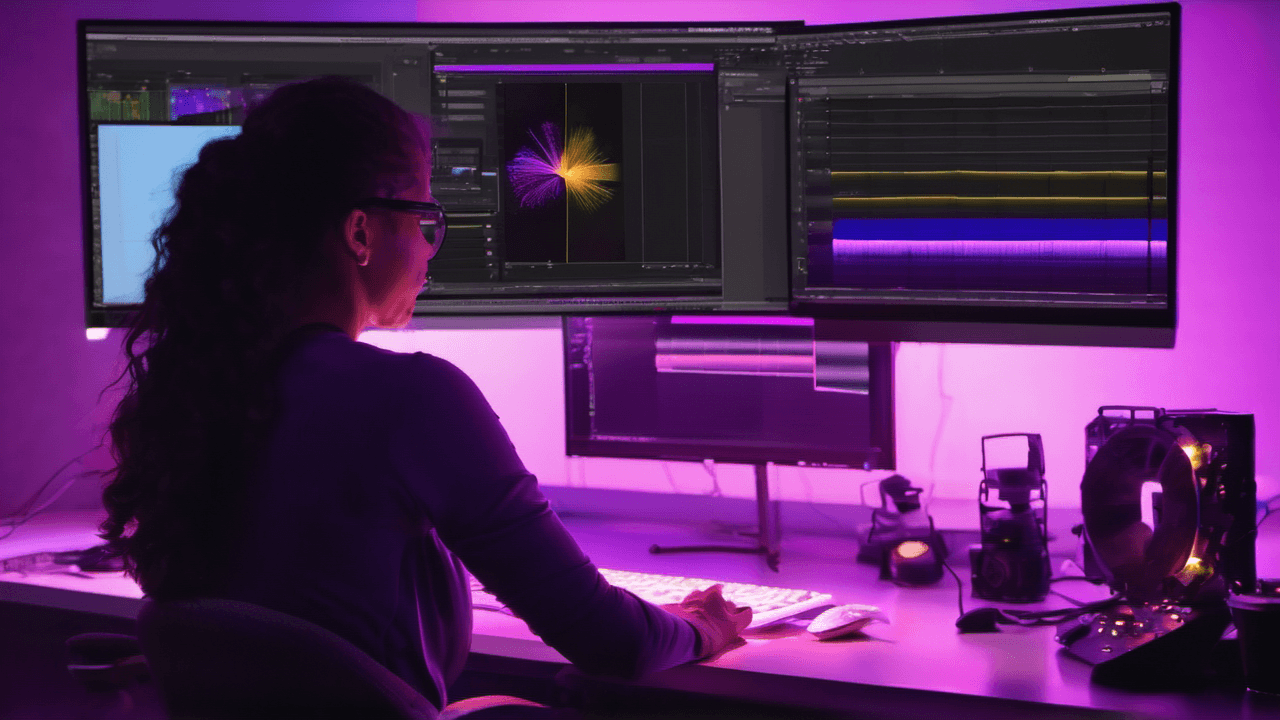
After Effects
After Effects Introduction

Learn to animate, composite and create motion graphics in After Effects. Build a working knowledge of layers, keyframes and effects.
Format
Live instructor-led
Hands-on, question-led sessions
Location
London NW10 or online
9 Station Terrace, NW10 5RT
Level
Introduction level
Small groups, hands-on, expert-led
Upcoming dates
Wed 11 – Thu 12 November 2026
Classroom
£485
Tue 17 – Wed 18 November 2026
Live Online
£485
Wed 25 – Thu 26 November 2026
Classroom
£485
Tue 1 – Wed 2 December 2026
Live Online
£485
Wed 9 – Thu 10 December 2026
Classroom
£485
Tue 15 – Wed 16 December 2026
Live Online
£485
Wed 23 – Thu 24 December 2026
Classroom
£485
Booking for a team? Want a different date?
Get team trainingInvoice payment available · Prices subject to VAT
Who this course is for
This course is for editors, designers and content creators at beginner level who are new to motion graphics or visual effects and want a practical grounding in After Effects essentials to produce titles, graphics and effects for video or social platforms.
Prerequisites
No prior experience needed.
What you'll learn
Understanding the After Effects interface and workspace, enabling you to navigate the software with confidence and efficiency.
How to import and manage a wide variety of assets, including video files, Photoshop projects, audio and Illustrator graphics.
Mastering animation essentials such as keyframe interpolation, motion blur and transform properties to create smooth, dynamic animations.
Creating and animating masks and mattes, allowing you to isolate elements and add creative visual effects to your projects.
How to apply motion tracking techniques for seamless integration of moving elements and enhanced realism for your compositions.
Designing and animating text along paths, with advanced formatting techniques to produce engaging titles and typographic effects.
Using shape layers to create visually compelling graphics like pie charts or bar charts, ideal for presentations or marketing materials.
How to utilise effects, including presets and adjustment layers, to add depth and polish to animations.
Working with 3D animation basics, lights and cameras to add dimension and realism to your designs.
Exporting projects using the Render Queue or Adobe Media Encoder, for professional-quality output.
Mastering the skills needed to create professional-quality animations that impress clients and stakeholders alike.
Learning After Effects will empower you to work more efficiently, delivering polished results that impress clients and stakeholders alike.
Course outline
What you’ll cover
Introduction to the Interface
- Creating workspaces
- Project panel
- Composition window
- Timeline window
- Work Area
- Layer and footage window
- Auto-save preferences
Importing footage
- Movies (QuickTime and AVI)
- Photoshop files
- Handling audio
- Illustrator integration
Animation Essentials
- Understanding Keyframe interpolation
- Animating Transform properties
- Working with Motion Blur
- Using the Graph Editor
- Parenting
- Pre-composing
Working with Masks and Mattes
- Creating Masks
- Mask properties
- Animating a mask
Motion Tracking
- Apply using position
- Editing
- Null object
- Parenting
Text
- Creating and modifying text
- Animating text along a path
- Formatting
- Creating and editing Presets
Using Shape Layers
- Creating and modifying
- Shape properties
- Groups
- Creating Pie and Bar charts
Effects
- Animation Presets
- Applying
- Animating
- Rainfall and snowfall
- Adjustment Layers
Keying and Rotoscoping
- Introduction to Keylight
- Keying footage
- Roto brush
- Refine Edge tool
Introduction to 3D Animation
- Working with lights
- Working with cameras
- 3D views and axes
- Animating a scene
Exporting
- Collect files
- The Render Queue
- Adobe Media Encoder
Included
- Live expert-led instruction
- Practical exercises and workflow examples
- Live Q and A and troubleshooting with the trainer
- Follow-up support guidance
Meet your trainer
Taught by working industry experts
Nick H.
Course Trainer
Industry expert delivering this course.
Frequently asked questions
Is this After Effects Introduction course suitable for me?
This course is designed for people who are new to After Effects or have been using After Effects for a while but have never had formal training or who would like to learn best practice in the fundamentals of After Effects.
Should I attend the After Effects Introduction course in person or live online?
For in-person courses at our London training centre, you will receive a warm personal welcome, your choice of the latest Mac or PC and morning and afternoon refreshments. If you prefer to attend remotely, rest assured that you will be taught live by the same experts that deliver our in-person courses, covering the same training content, using the same exercises and materials. A second monitor is recommended but not essential.
How is the content taught throughout the After Effects Introduction course?
Our After Effects Introduction course is extremely interactive. You will be using After Effects throughout the day, working through examples and live projects under the guidance of our trainer, who will be supporting you through each step.
What support is available after I attend the After Effects Introduction course?
We offer ongoing support to our After Effects Introduction course attendees through email and by arrangement, phone calls. You are welcome to ask any questions on topics covered during training. Our trainer will always do their best to explain principles and help you with any issues you encounter.
How many people are likely to be in the class when I attend the After Effects Introduction course?
We have the smallest class sizes in the industry. On average there are 2 to 3 people on our After Effects Introduction public courses. When we are oversubscribed, rather than put more people on the same course, we open up a new course date, which ensures everyone has maximum interaction with our trainer and the chance to ask questions throughout the day.
Will I receive a certificate upon completion of my After Effects Introduction course?
Yes, you'll receive a certificate of completion from Transmedia, demonstrating your knowledge and attendance on our After Effects Introduction course. Our certificates note our Authorised Training Centre status.
Reviews
Lee was amazing. The course was very well structured and a nice amount of time was given to each task. Looking forward to the next one!
House of Commons · After Effects Introduction — May 2026
A very positive experience indeed and I believe what we have learned over the last 2 days will be a great help in our edits going forward!
Incisive Media · After Effects Introduction — May 2026
The venue was immaculate and Lee's Tutoring was very comfortable and informative! We really enjoyed it and can't wait to start using what we learnt.
William Bowerman · After Effects Introduction — May 2026
Great, informative training. Presented clearly and with plenty of discussion.
Racecourse Media Group · After Effects Introduction — May 2026
Really informative, a great course for beginners to After Effects.
Galderma UK Ltd · After Effects Introduction — March 2026
Thank you for the course. I personally found it very useful.
Highlight · After Effects Introduction — February 2026
The training you helped us with was brilliant, so I will definitely be reaching out again.
Immediate Media · After Effects Introduction — January 2026
Would highly recommend Transmedia. The team were super helpful in finding the right course for us and our trainer was very knowledgeable. Couldn't have asked for a better course. Thank you!
Mondrian Investment Partners Limited · After Effects Introduction — November 2025
The After Effects Introduction course at Transmedia is a brilliant, well-thought-out course that is informative and fun at the same time. I will be visiting Transmedia again and recommend them to all!
Minnow Films · After Effects Introduction — September 2025
I had to rush off and miss the end of class but it was fantastic.
Pippa R · After Effects Introduction — July 2025
Friday was brilliant, Lee is a great tutor. I feel I'm finally giving structure to the madness! Top marks.
Virgin Media O2 · After Effects Introduction — March 2025
Had a great experience doing the After Effects training course with Lee. Our trainer was brilliant and had a great wealth of knowledge. Hope to do another course soon.
NHBC · After Effects Introduction — January 2025
The staff were so welcoming and made the experience really great, helping us get settled in and taken care of. Lee was really great at answering questions and guiding us through the course.
Incisive Media · After Effects Introduction — November 2024
Course was great and I found my trainer Lee fantastic - I will be in touch with questions I am sure as I get into AE!
UK Parliament · After Effects Introduction — September 2024
Was really helpful for beginners! Worked with Lee on Motion Graphics basic course, feel I learnt a lot more than I expected in 2 days. Would absolutely recommend.
BMB Agency · After Effects Introduction — July 2024
Really helped me get to grips with After Effects. Covered lots over the two days, with one to one help when needed :)
Ella M · After Effects Introduction — May 2024
The course is really very good. The instructor is very patient to teach and the method is easy to follow. Good quality of approach to each topic. Thank you so much! I absolutely recommend.
Fact Not Fiction Films · After Effects Introduction — April 2024
Great tutor, well worth the money, will definitely keeping in contact. Very recommended!
Workplace Options · After Effects Introduction — February 2024
Excellent course, really helped with my understanding of After Effects. Friendly trainers and great location.
Rural Payment Agency (RPA) · After Effects Introduction — February 2024
Fantastic training, the explanations were really clear and the pacing was perfect, I feel like I've learnt so much. Lee was great, patient and knowledgeable. Highly recommended!
Rural Payment Agency (RPA) · After Effects Introduction — January 2024
Need a bespoke course or group booking?
We train teams at their offices across London and the UK. Call us or email to discuss.